Studio is where you turn uploaded products into new creative. Pick the workflow based on the outcome you need, not just the number of images you want.
Use this guide when
you know the product you want to promote but are not sure whether you need one visual, an angle test, a campaign pack, a swipeable story, or Agent guidance.
Before you start
Decide what question you are trying to answer. Are you checking whether one scene works, learning which buyer hook is strongest, preparing a launch pack, telling a card by card story, or asking Prizer to help choose the setup?
Quick decision guide
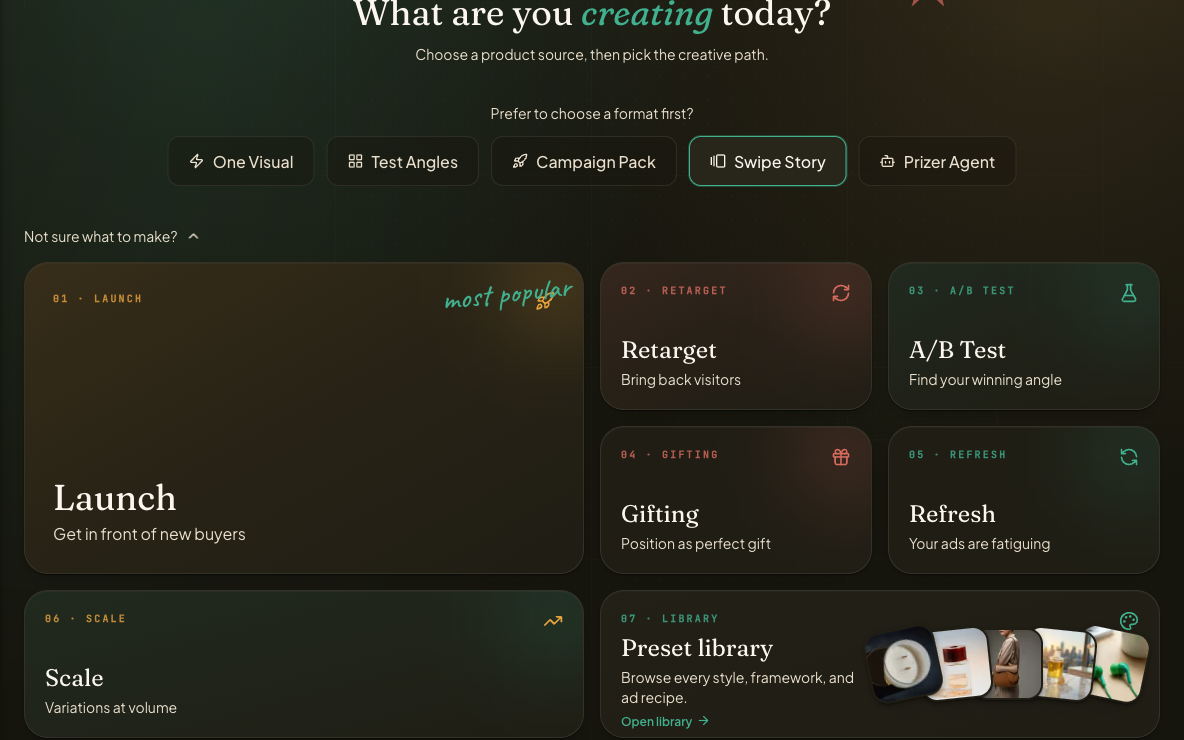
Use One Product Visual when you want one strong product scene or a small first test.
Use Test Ad Angles when you want to compare several hooks from the same product, such as benefit, proof, offer, lifestyle, or comparison.
Use Campaign Pack when you want a broader launch or refresh set with templates, placements, campaign copy, and export review.
Use Swipeable Story when you want cards that work together in order, like problem, product, benefit, and call to action.
Use Prizer Agent when you want to describe the outcome in plain language and let the assistant recommend the setup.
What each workflow answers
One Product Visual answers: does this source image, scene, and quality tier produce a usable creative direction?
Test Ad Angles answers: which buyer motivation or visual hook is strongest before I spend more on a campaign?
Campaign Pack answers: what assets, copy, placements, and templates do I need for a launch, seasonal push, evergreen refresh, or review set?
Swipeable Story answers: how do I move a shopper through a sequence where each card has a different job?
Prizer Agent answers: what should I make when I know the goal but do not know the right settings yet?
Carousel inside a campaign
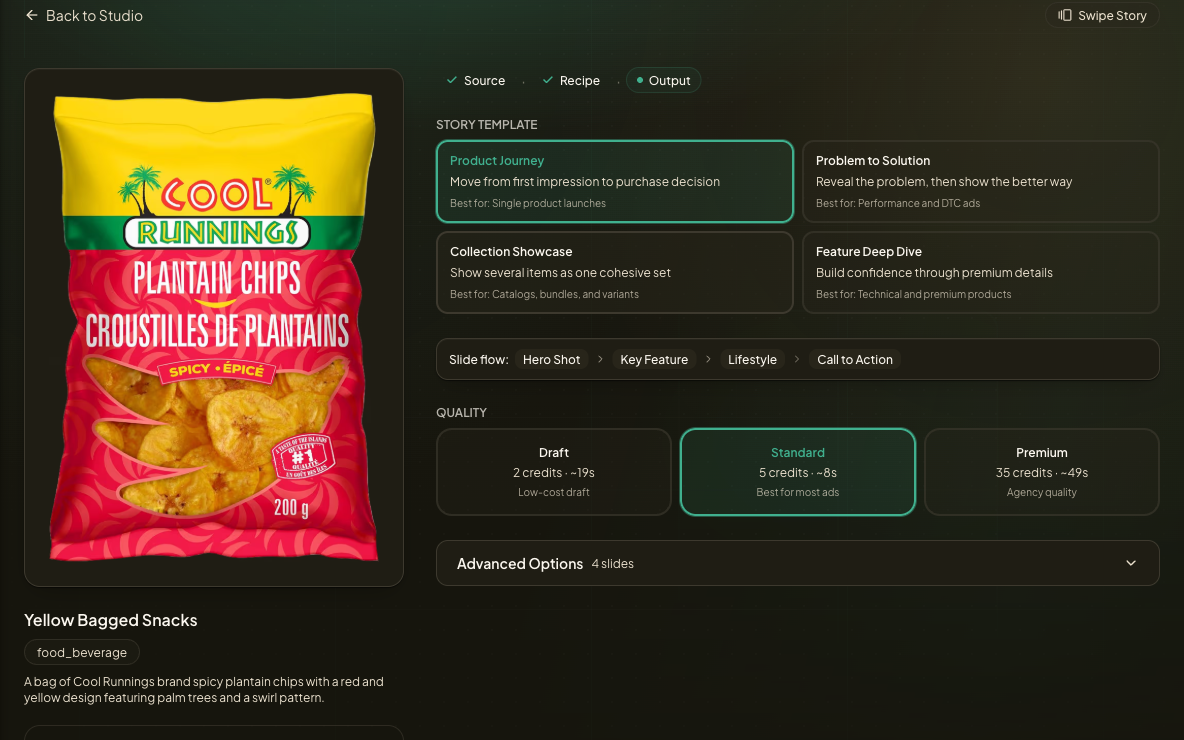
Carousel can be standalone or part of a Campaign Pack. Choose standalone Swipeable Story when the whole job is the card sequence. Choose Campaign Pack with carousel placement when carousel is one asset type inside a larger Meta campaign alongside feed and story creatives.
Ad angle test or campaign pack
Choose Test Ad Angles when you are still learning what message works. Choose Campaign Pack when the direction is clear enough that you want a fuller set with placements, templates, copy, and export handoff.
Agent or wizard
Use the wizard when you already know the exact path, such as One Product Visual with one selected style or Campaign Pack with a known goal. The wizard is predictable and fastest for repeatable workflows.
Use Prizer Agent when the brief is flexible, creative, or conversational. Agent is better when you want help choosing a workflow, translating a marketing goal into settings, finding reusable creatives, creating ad copy, or changing a proposal before you spend credits.
Quality tier rule of thumb
Draft is for low cost exploration. Core adds a little more fidelity while you are still testing. Standard is the normal starting point for publishable marketing tests. Pro and Premium are best when fine product details, premium polish, text rendering, or product fidelity matter more than cost.
For step by step setup, use Generate a Quick Image, Create Ad Variants, Build a Full Campaign, Carousel ads and presets, or Prizer Agent versus the Studio wizard.
Higher tiers do not fix every source image problem. If the product is blurry or cropped, upload a better source before increasing spend.
Which workflow should I use for my first test?
Use One Product Visual for a simple first test. Use Test Ad Angles if you already know you want several buyer hooks from the same product.
