A batch is a group of generation attempts started from the same workflow or setup.
Use this guide when
results are finished and you need to compare outputs, retry failures, export winners, or find a past batch.
Before you start
Wait until the batch finishes or clearly fails. If the job seems stuck or repeated failures appear, use Troubleshooting failed generations before rerunning the same setup.
Review a finished batch
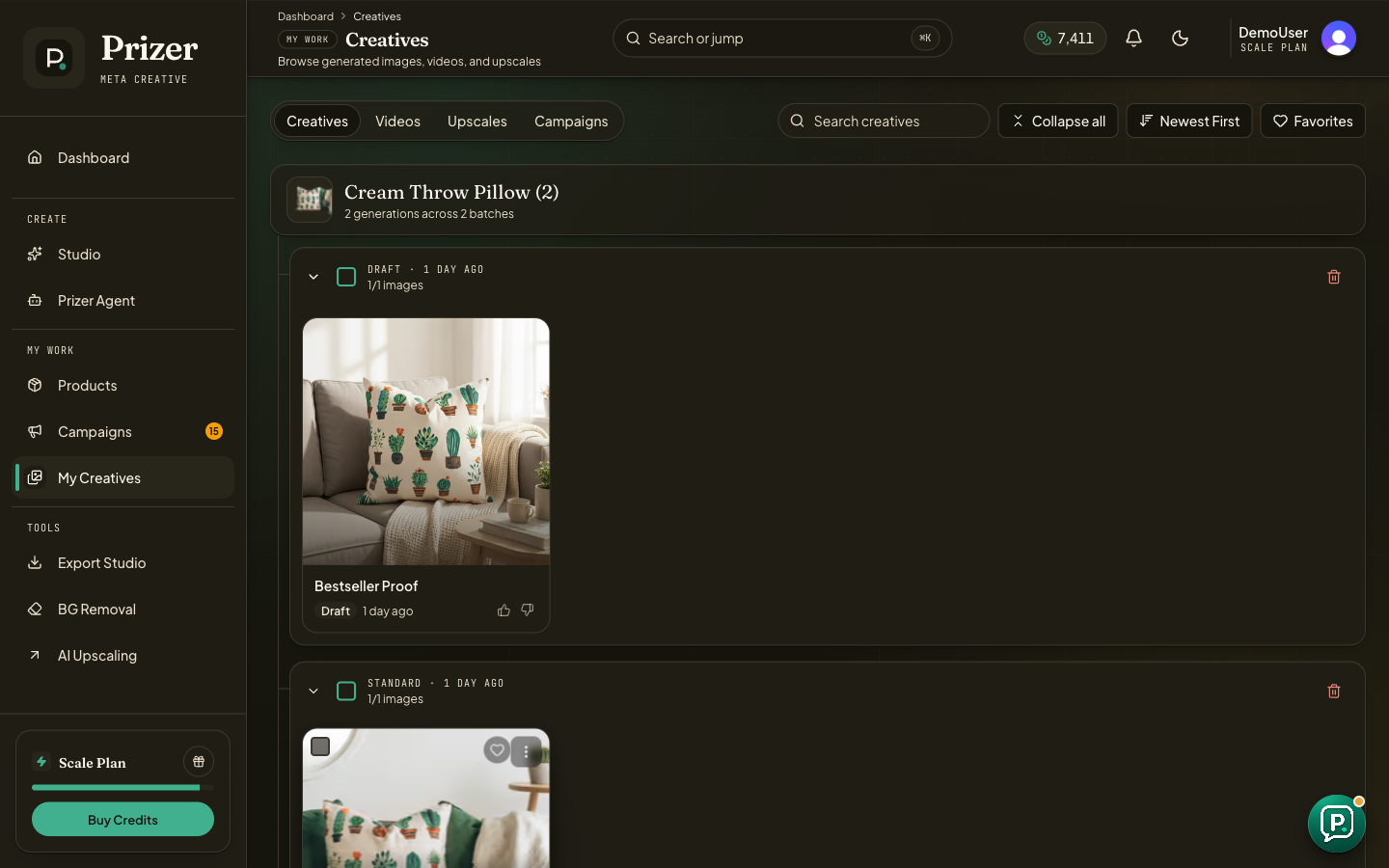
Open the batch detail page from the generation notification when available, or open My Creatives to review results grouped by product and batch.
Expand the relevant product group and batch group.
Open promising images in preview to inspect product shape, text zones, crop, and placement quality.
Favorite strong candidates so they are easier to find later.
Select one or more assets for quick export, Export Studio, video creation, or cleanup.
Decide what to do next
Export the strongest outputs when they are ready to use. Create video from a strong still when motion would improve the placement. Retry only when the original prompt and source image are worth keeping.
If every result misses the same detail, do not keep retrying blindly. Improve the source image, prompt, tier, or preset choice first.
Where do campaign outputs live?
Start in Campaigns when you need campaign context and copy. Use My Creatives when you want to search across all finished assets.
