Settings is where you manage workspace details and account related preferences.
Use this guide when
you need to update workspace details, invite teammates, review account access, or add brand context.
Before you start
Some settings depend on your role and plan. If you cannot see a page or control, ask an owner or use Contact support from inside Prizer with your workspace name and account email.
Find settings
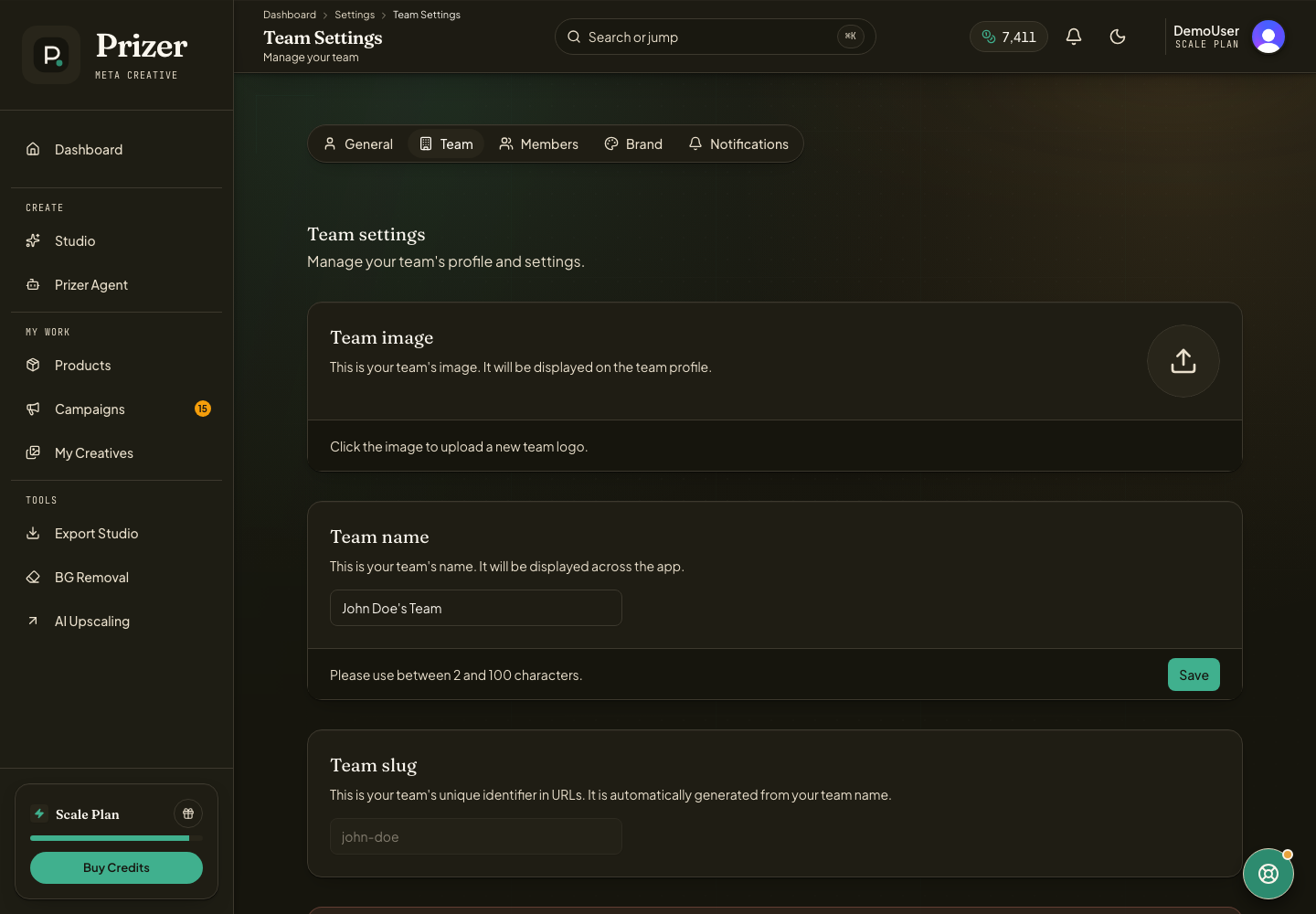
Open Settings from the dashboard navigation or account areas.
Use Team settings for workspace level details.
Use Members when you need to invite teammates or review access.
Use Credits for plan and credit management when available. See Credits and plans for balance and billing basics.
Use Brand settings when you need reusable brand context for creative work.
Invite teammates carefully
Invite the teammate email you want associated with the workspace. If someone cannot accept an invite, ask them to send support the invite email, workspace name, and the email address they are trying to use.
Available settings can depend on role, plan, and workspace state.
Can support change my billing or team settings from a message?
Support can help investigate, but we will not claim that billing, cancellations, or member changes are complete unless the action has actually been performed.
