Team invites and referrals are different workflows.
Use this guide when
you want to add someone to your workspace or share Prizer with another brand, teammate, or operator.
Before you start
Decide whether the person needs access to your current workspace. If they need to work inside your workspace, use team members. If they should create or evaluate their own account, use a referral link.
Invite teammates
Open Members from Settings.
Invite the teammate email that should access your workspace.
Ask the teammate to accept from the same email address.
Review access after they join so your workspace only includes people who need it.
Use referrals
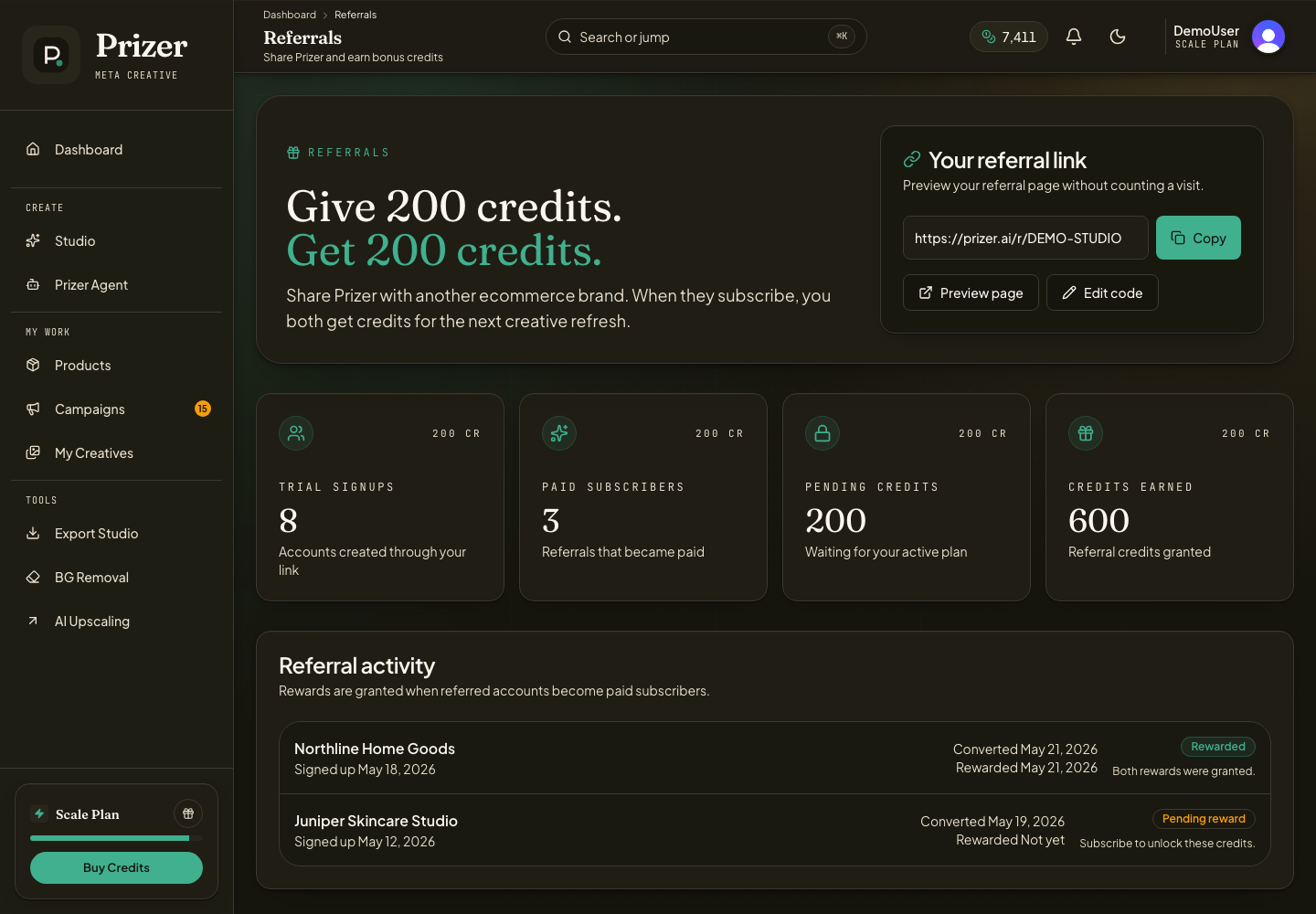
Open Referrals.
Copy your referral link when the page shows one.
Share it with someone who should create or evaluate their own Prizer account.
Review reward progress and activity on the Referrals page.
Do not use referrals as a substitute for workspace access. A referred user may have a separate account and workspace.
What should I send support for invite problems?
Send the workspace name, invited email, account email, and whether the person used a team invite or referral link.
