Some products are easy to understand from one photo. Others need more visual context. Extra views help when product geometry matters.
Use this guide when
the product has important details that are not visible from the front.
Before you start
Prepare views of the same physical product. Avoid mixing colors, variants, package sizes, or different products in the same source set unless they should be treated as one bundle.
When extra views help
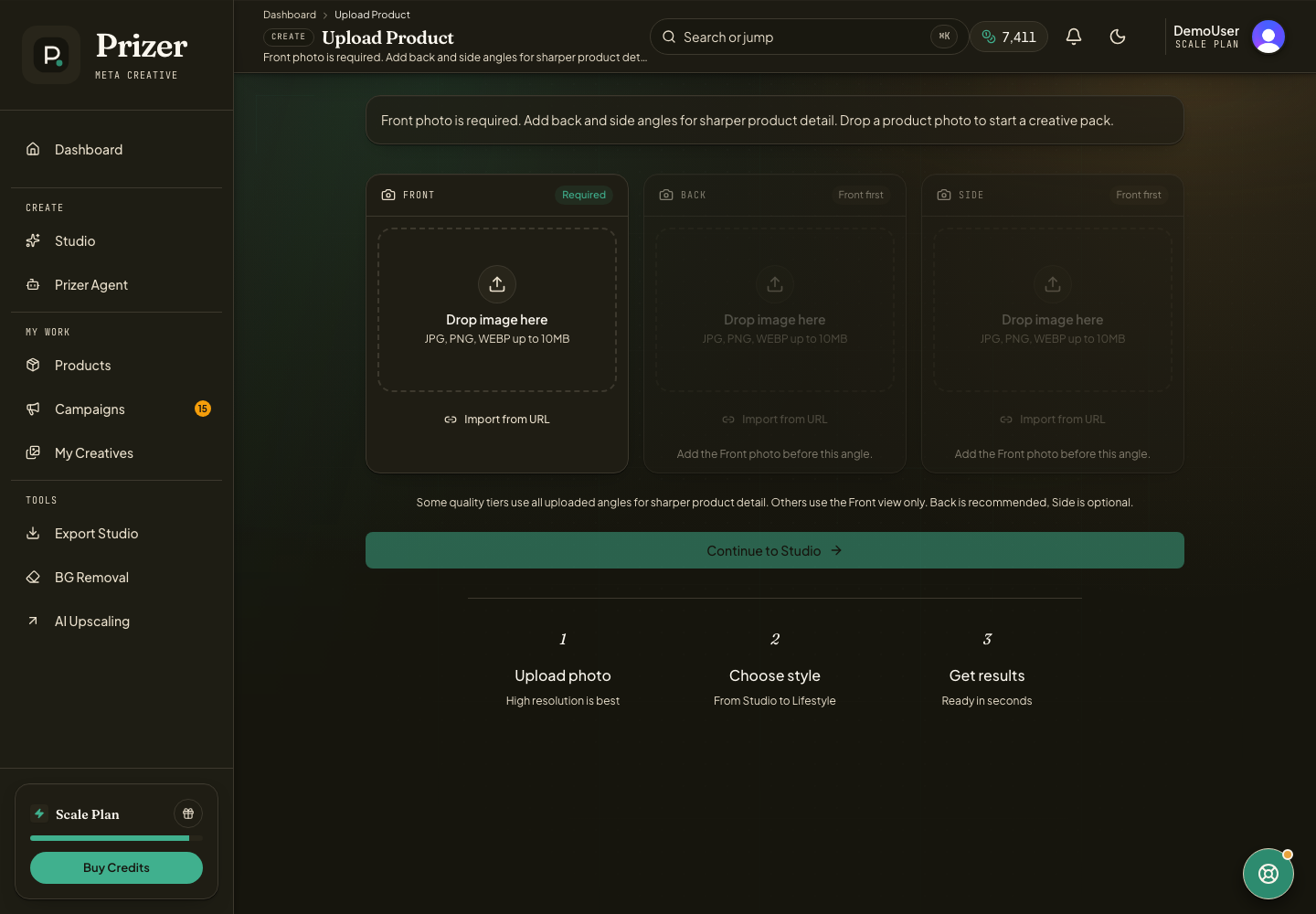
Add a Back view for products with important rear details, labels, straps, closures, ports, soles, or packaging information.
Add a Side view for products where depth, thickness, curvature, handles, or silhouette matter.
Keep each view focused on the same product. Do not upload different variants unless you want Prizer to understand them as one product set.
Use consistent lighting when possible so the product color does not appear to change between views.
When one image is enough
One strong front view is usually enough for simple bottles, boxes, flat accessories, and products where the front face carries the main identity. Start with Front only when you are exploring prompts or testing a new product quickly.
Extra views are references, not a guarantee that every workflow uses every angle. Higher quality paths benefit most when the model supports multiple references. If results still lose product details, use Improving generation quality to tune the source image, prompt, and tier together.
Can I add extra views later?
Yes. You can upload more product images later from Upload Product and choose the best source set when starting a new Studio project.
