Finished creatives become more valuable when your team can find and reuse the strongest results later.
Use this guide when
you want to build a reusable library of winning images, campaign assets, videos, and export-ready creative.
Mark the assets worth returning to
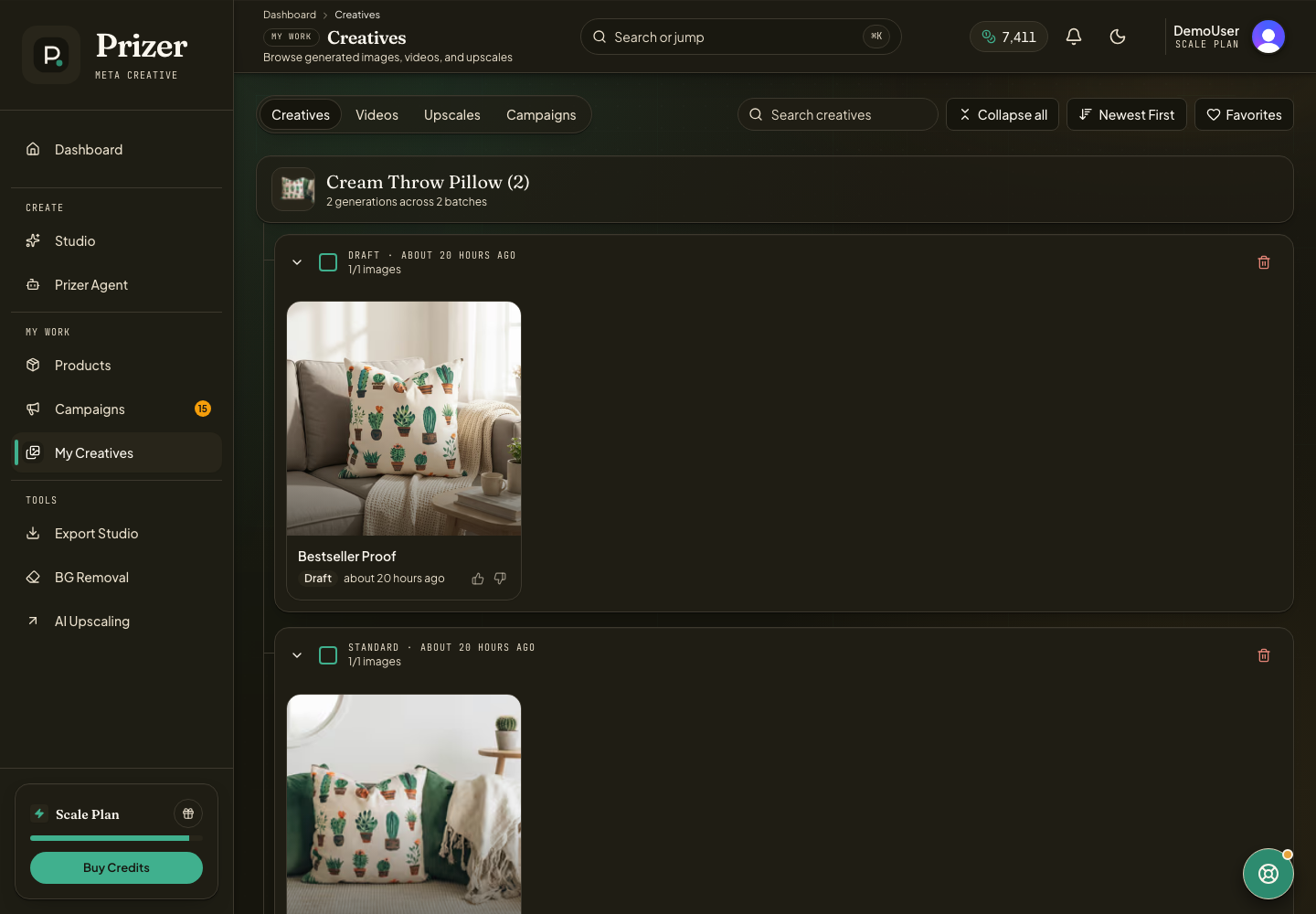
Open My Creatives.
Favorite assets that performed well, matched the brand, or created a strong direction for future tests.
Use filters, tabs, and search to narrow by image, video, campaign asset, or source product.
Select related assets when you want to export, download, upscale, or clean up a batch.
Keep campaign-level work in Campaigns when placement context and copy matter.
Reuse without starting over
Use Prizer Agent when you want to find older winners, write fresh copy for a completed result, turn a liked image into an ad variants project, or create a new campaign from an existing direction.
Ask Agent to reuse the exact creative when you want to keep the visual unchanged. Ask it to remix or make variants when you want new visuals inspired by the winner.
Keep the library useful
Favorite the clearest winners, not every acceptable result. Delete or ignore weak outputs after review so the library stays useful for future campaign refreshes.
Before exporting, check whether the asset needs upscaling, a different format in Export Studio, or copy review in Studio.
Keep your real ad performance notes outside Prizer if you need spend, ROAS, CTR, or audience-level reporting. Prizer is the creative production and handoff layer.
Should I favorite every usable image?
No. Favorites should mark assets you expect to reuse, compare, export, or turn into another campaign direction.
